handstand
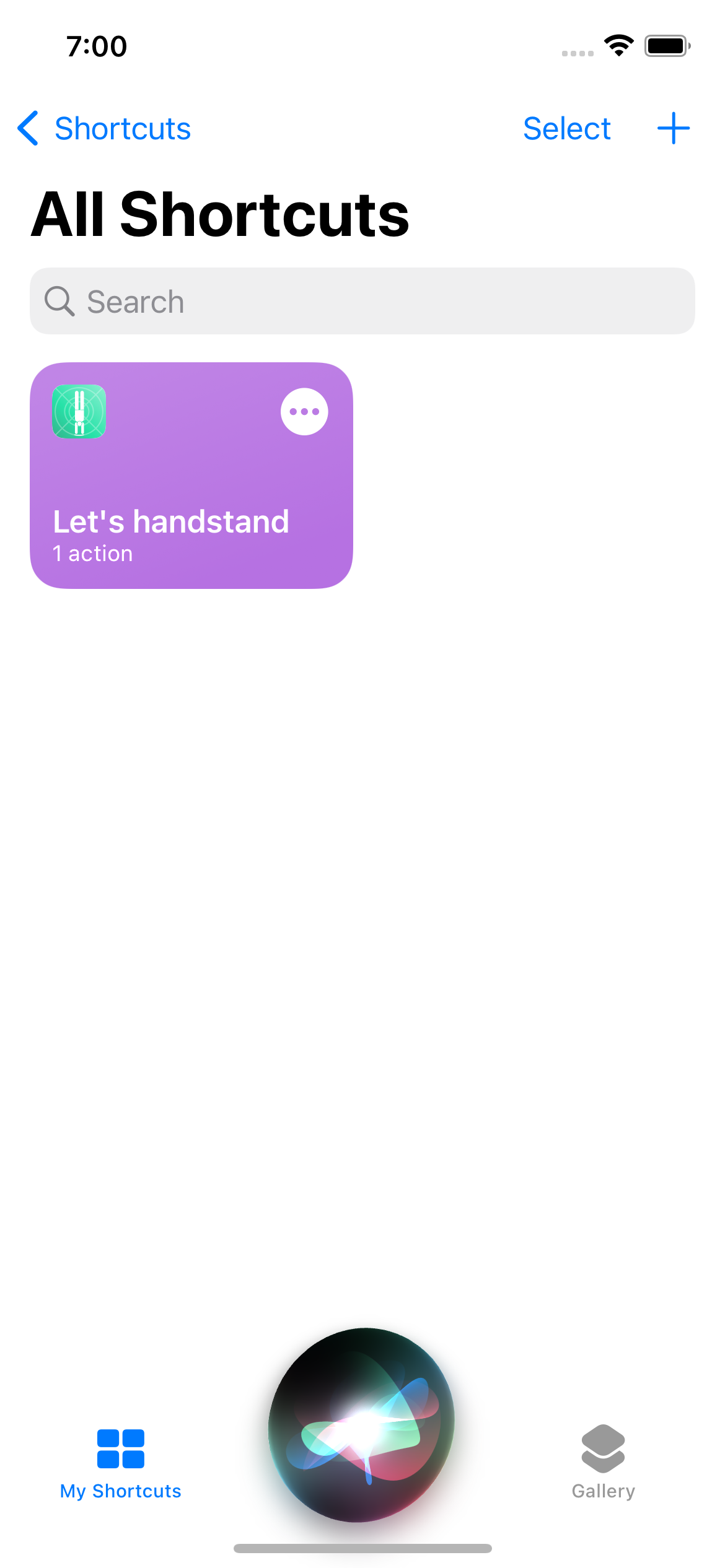
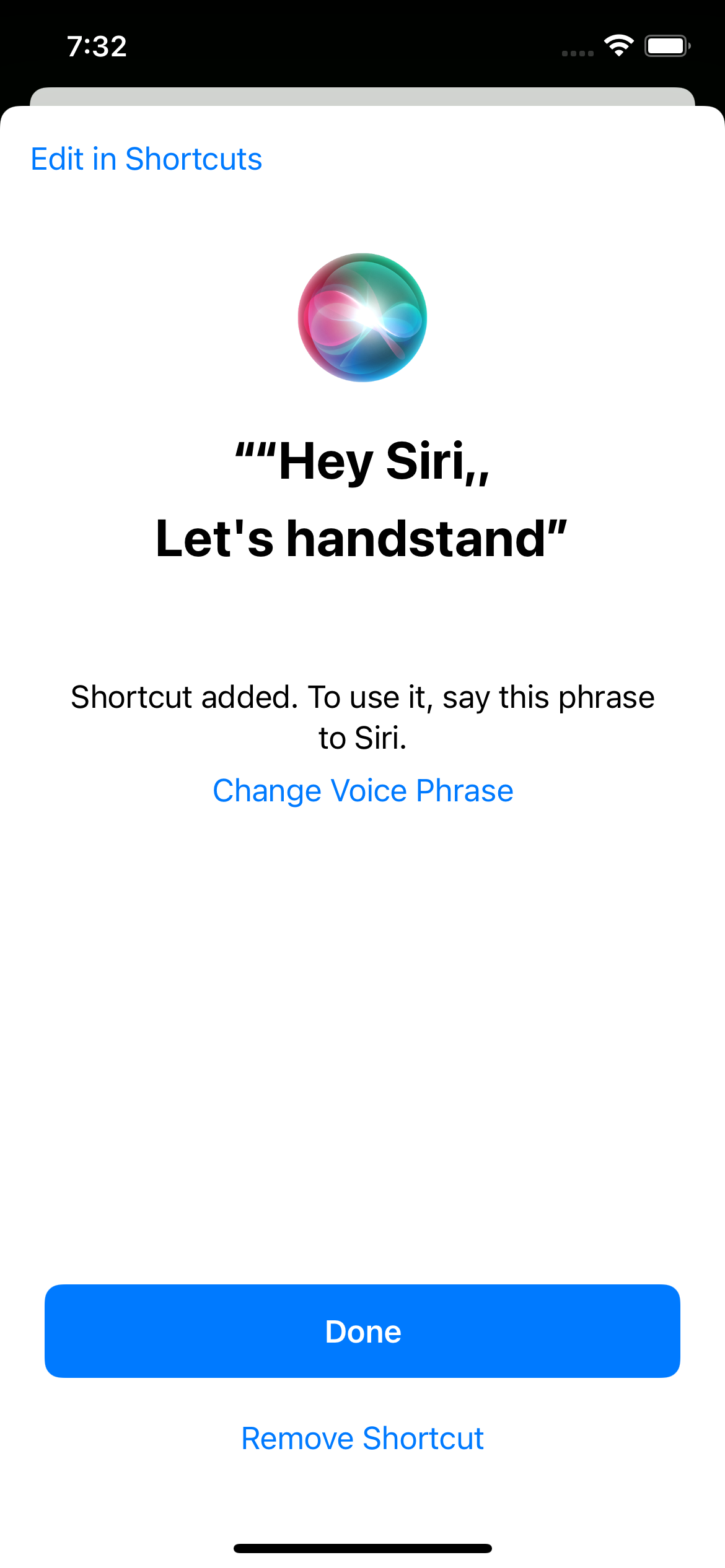
Hey Siri: Let's handstand!
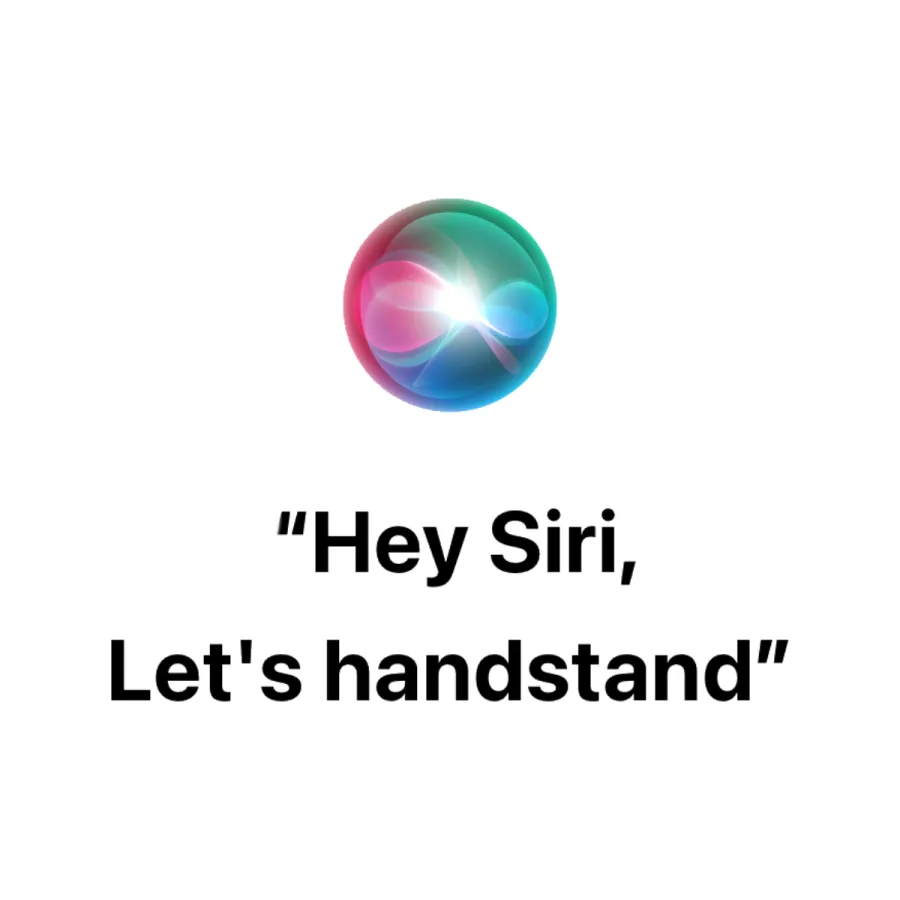
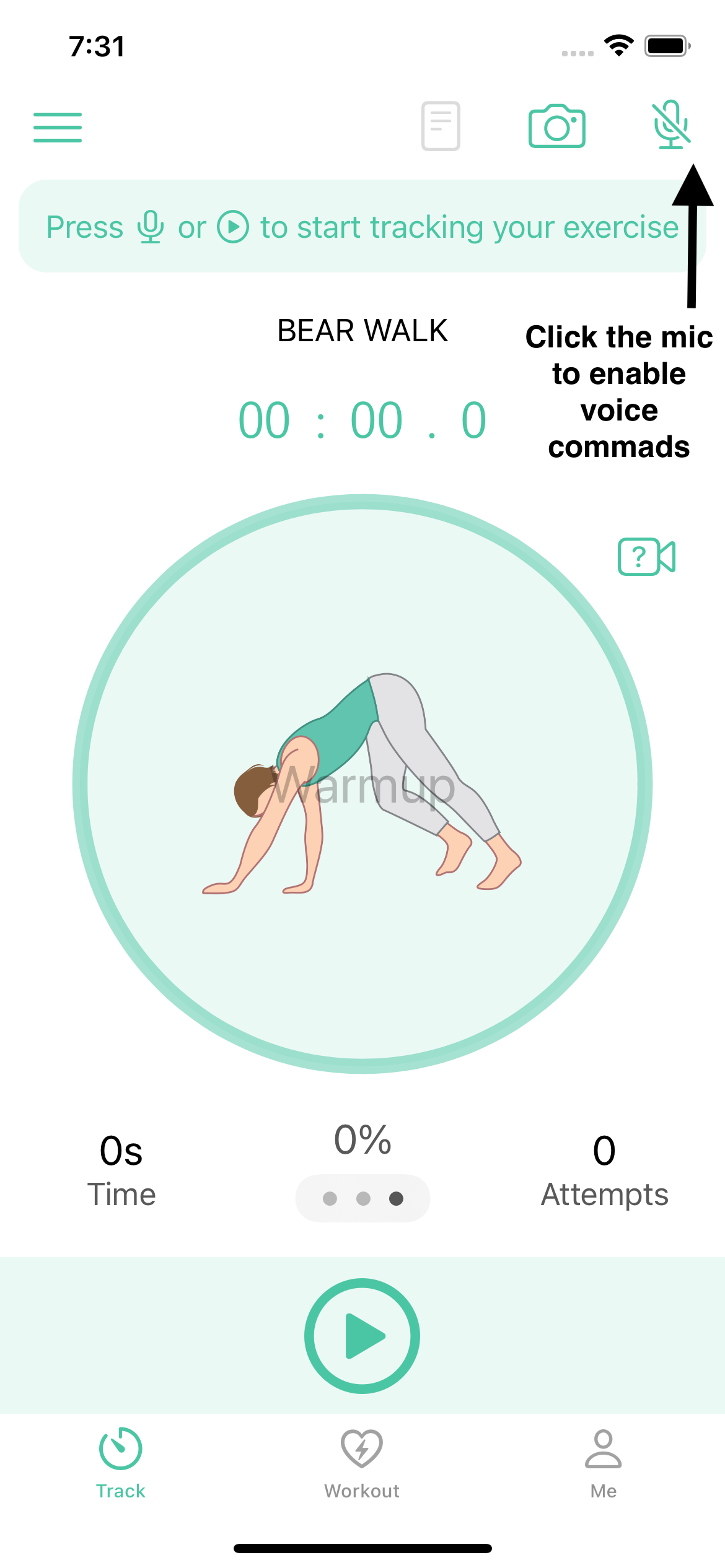
Now you can do it all with voice, including opening up the Handstand Quest App and turning on voice commands! All ou need to say is: Hey Siri, let’s handstand!
“Hey Siri, let’s handstand!”
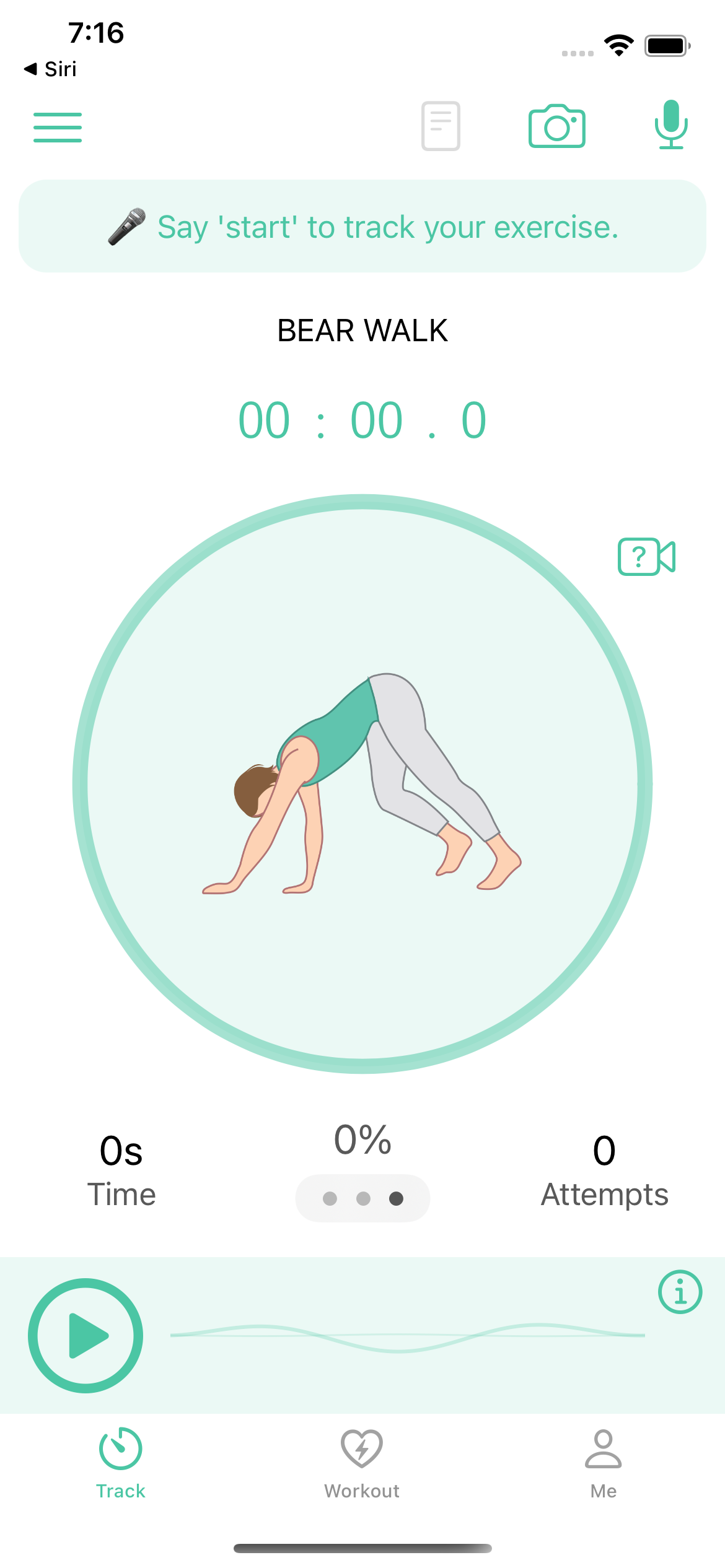
Then you can start right away with tracking exercises by saying “start” to start tracking an exercise and “stop” to end tracking. There is a lot more that you can do, check out our post on working out with voice commands if you’d like to learn more.
If you don’t see the shortcut in your Siri shortcuts app, try first manually enabling voice in the app, then all future times you should be able to use the shortcut.
While you’re here, I also wanted to let you know about another new feature where you can now have multiple “words” or options to start or stop an exercise using your voice.
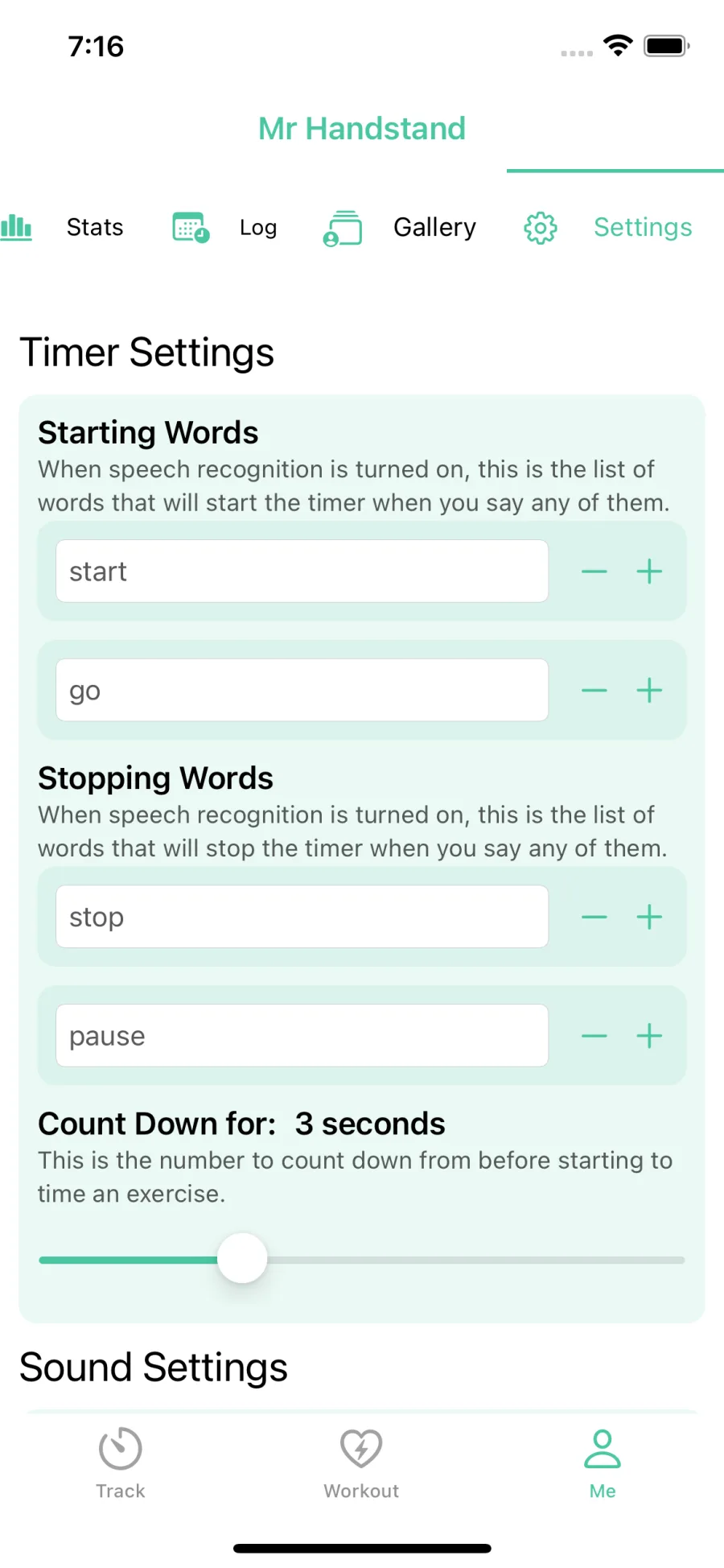
If you go the “Me” tab, under Settings sub-tab, in the Timer Settings section, you might add/modify as many words as you want to make voice tracking more customizable to your needs.
I hope you make good use of these features. They were built because users of the app asked for it, so don’t hesitate to send some feedback my way (or email info@humanquest.net directly) or add feature suggestions to the public roadmap.
Enjoy!